Like Rate Calculator
How do likes compare with views? Enter both counts for the same video or post and get the percentage instantly.
Enter your numbers to see the result.
How the calculation works
This calculator measures likes relative to total views, not followers and not unique viewers. Views can include repeat plays, and people who do not follow the account can like its content. A follower-based like rate uses a different denominator; the existing Instagram guide below explains that separate method.
A video has 1,000 likes and 25,000 views. 1,000 ÷ 25,000 × 100 = 4.00%.
Use counts for the same post and the same measurement period. Enter zero only when a metric is genuinely zero, not when it is unavailable. This tool does not assign a “good,” “bad” or “viral” benchmark.
Look beyond the heart count.
A popular post may be a normal day for a large creator. Trend Finder compares videos and posts with each account’s usual views, so you can study genuine standouts. Open an account in Watchlist to understand its broader performance before choosing what to make next.
Track public Instagram, TikTok, YouTube and X accounts. Active accounts are scanned daily; accounts quiet for 14 days or more are checked weekly.
Track performance automatically with Statly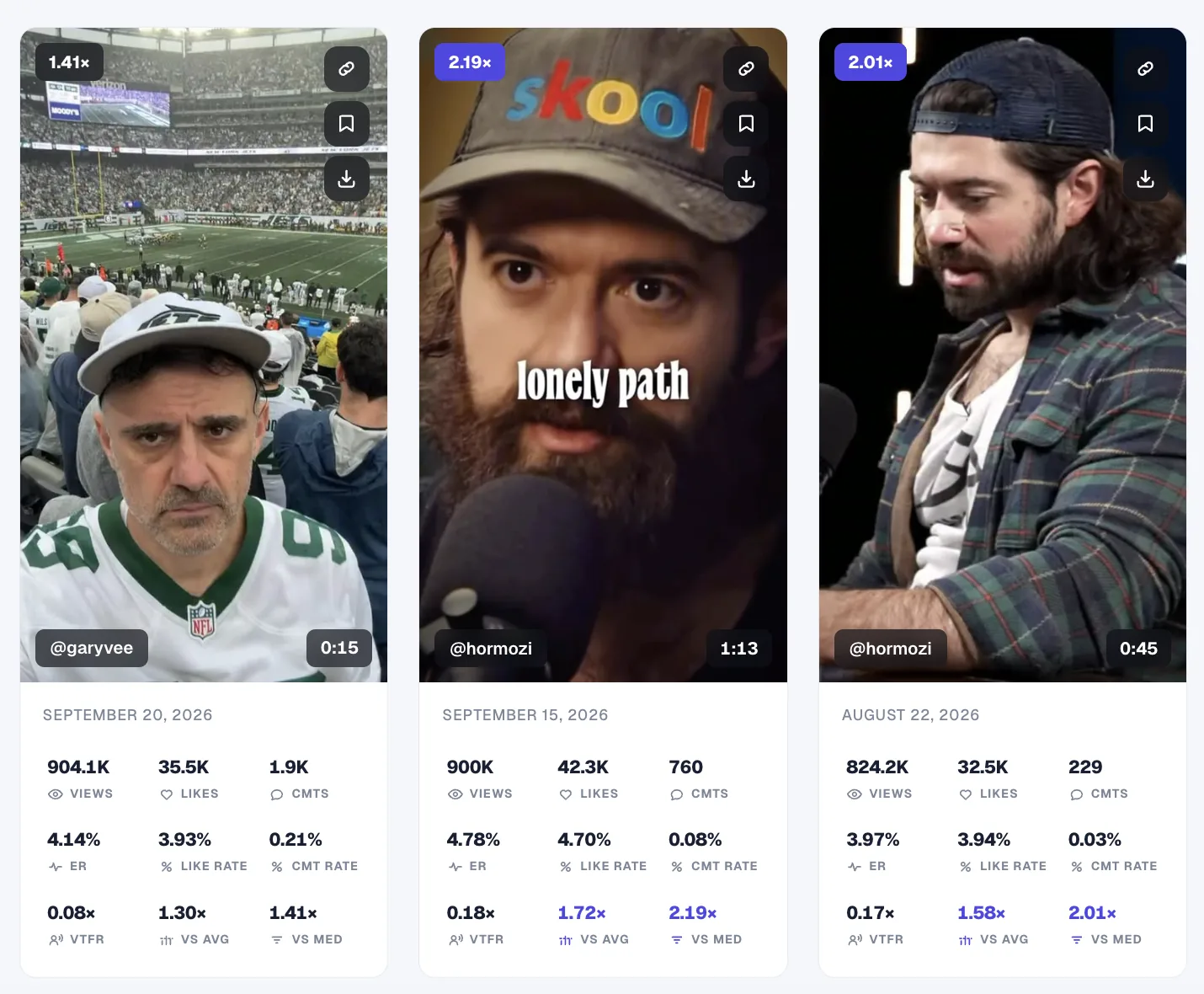
Questions about this rate
Is this a likes-to-followers calculator?
No. The result is likes divided by views, multiplied by 100. The Instagram guide below covers the separate follower-based calculation.
Does 4% mean 4% of unique viewers liked the post?
No. The denominator is total views, which can include repeat plays. It does not identify unique viewers.
What if likes are hidden?
You need a like count to calculate the rate. Do not substitute a guess or zero for an unavailable required metric.
Does choosing a platform fetch account data?
No. You enter every number yourself. The platform selector changes labels and examples only; it does not connect to a platform or look up an account.
Are these calculators free?
Yes. No signup is required. Calculations happen in your browser, without AI or an external data API.
What is a good rate?
There is no universal threshold here. Compare posts with the same formula, time window and included metrics, and consider the account’s own usual performance.
Read the existing Instagram like-rate guide (follower-based method)
Instagram Like Rate: How to Calculate It and What Counts as Good (2026)
What like rate actually measures
Like rate answers one question: of everyone who follows this account, how many bother to tap the heart on a normal post?
It is deliberately narrower than engagement rate. Engagement rate bundles likes and comments together. Like rate isolates the single easiest action a follower can take. That makes it a good read on baseline audience warmth: if even the low-effort like is rare, the audience is either cold, inactive, or padded with fake followers.
Because it strips out comments, like rate is also the metric least distorted by giveaways and comment-bait, which inflate comment counts without reflecting broad approval. A steady like rate across many posts is one of the cleaner signals that an audience is real and paying attention.
The formula
For a single post:
post like rate = likes / followers × 100
For an account (the number that actually matters):
account like rate = average likes per post / followers × 100
Worked example: An account has 25,000 followers. Across its last 12 Reels, likes total 45,000, so average likes per post is 3,750. Like rate is 3,750 / 25,000 × 100 = 15%. That is a very high like rate, which usually points to Reels reaching well beyond the follower base.
One caveat that trips people up: on Reels, likes routinely come from non-followers, because Reels are pushed into feeds of people who do not follow the account. So a Reel like rate above the "normal" range is common and healthy. It is a feature of the format, not an error in your math.
How to check any account's like rate manually
You can do this for any public profile, no login required.
- Note the follower count on the profile.
- Pick a sample of at least the last 10 to 12 posts, so one viral hit does not skew the average.
- Record the likes on each post in your sample.
- Average them. Total likes divided by the number of posts.
- Divide by followers and multiply by 100. That is the account's like rate.
Why the manual method breaks down
- It is slow, and it multiplies. One profile is a few minutes. Vetting five potential collaborators means repeating the whole process five times.
- Instagram keeps hiding like counts. The platform's move to let creators hide public like counts has made this harder to eyeball on many posts, which is a well-documented headache for anyone tracking creators by hand.
- A 10-post sample is thin. Ten posts tells you about last week. It does not tell you whether the like rate is stable or sliding over months.
- Averages hide the story. A raw average lumps a viral outlier in with normal posts. You want to see the spread, and you cannot see a spread by hand without building a spreadsheet.
How to see like rate in one click with Statly
Statly is a web app, with an optional Chrome extension, that calculates like rate for you on any public profile. No Instagram login needed: it reads the same publicly visible likes and follower counts you would read by eye, then does the math for you.
- Watchlist shows LR per Reel. Statly's Watchlist table lists a dedicated LR (Like Rate) column for every Reel it scans, alongside comment rate, engagement rate, and View-to-Follower Ratio, so you see like rate in context, not in isolation.
- Audit sorts by Likes. Run an Audit on a profile and sort every Reel by Likes to instantly find the account's best and worst performers.
- Deeper sample than any hand count. Statly scans up to the last 300 Reels or 180 days, so the like rate you get is a real baseline, not a 10-post snapshot.
- Export it. Send the whole dataset to a spreadsheet to keep your own records over time.
The free preview, 500 videos for 3 days with no card, is enough to check like rate on the accounts you care about before you pay.
What is a good Instagram like rate?
Benchmarks are directional, not law, and they move with account size and niche. With that caveat, here is where current data lands.
The common industry rule of thumb, used by tools like HypeAuditor, treats a like rate of roughly 1% to 3% as healthy for a typical account. Below 1% consistently can signal a cold or padded audience, though very large accounts naturally drift lower.
That last point matters. Like rate falls as follower count rises. Recent 2026 benchmark data shows overall Instagram engagement averaging around 0.5%, with the smallest accounts (nano, 1,000 to 10,000 followers) posting the highest rates, often 4% to 6%, and the largest accounts (500,000+ followers) settling into the 1% to 3% range. A 2% like rate is unremarkable for a nano account and excellent for a mega one.
So the useful move is not chasing a universal number. It is comparing an account to its own recent average and to direct competitors of a similar size in the same niche. That relative comparison is exactly what Statly's Compare and Watchlist views are built for.
Frequently asked questions
What is a good likes-to-followers ratio on Instagram? A rough rule of thumb is 1% to 3% for a typical account, but this varies heavily with size. Smaller accounts often exceed it, while very large accounts commonly sit below it. Comparing an account to same-size competitors beats any single benchmark.
How do you calculate like rate on Instagram? Take the average likes across an account's recent posts, divide by the follower count, and multiply by 100. Using the last 10 to 15 posts smooths out one-off viral hits.
Can you see like rate if the account hid its like counts? When a creator hides public like counts, the number is harder to read by hand. Statly reads the publicly available engagement data on Reels and reports like rate where that data is visible.
Is a high like rate always good? Usually, but not always. On Reels, a high like rate often reflects reach to non-followers, which is healthy. Suspiciously high rates paired with low comment rates can also indicate purchased engagement, which is why looking at like rate and comment rate together is smarter than either alone.
See the like rate on any profile in one click
Find the outliers on any account, with a free preview: 500 videos for 3 days, no card needed.