Engagement Rate Calculator
Add the numbers for one video or post. See engagement as a percentage of views, or switch to a clearly labelled follower-based rate.
Enter your numbers to see the result.
How the calculation works
The default method divides included interactions by views. The follower-based method divides the same total by the account’s followers (subscribers on YouTube). These measure different things, so compare results only when the formula and included metrics match. If shares or saves are unavailable, leave them blank: they count as zero, and the result reflects only the engagements you include.
A video has 25,000 views, 1,000 likes, 100 comments, 50 shares and 25 saves. (1,000 + 100 + 50 + 25) ÷ 25,000 × 100 = 4.70%. With 5,000 followers instead, the same included engagements give a follower-based rate of 23.50%.
Use counts for the same post and the same measurement period. Enter zero only when a metric is genuinely zero, not when it is unavailable. This tool does not assign a “good,” “bad” or “viral” benchmark.
One rate is a starting point. Find the pattern.
Use Watchlist to review public account performance over time, then study the videos and posts that beat their creator’s usual results. Statly’s public-data engagement metrics may include fewer interactions than this manual calculator; compare like-for-like formulas, not just percentages.
Track public Instagram, TikTok, YouTube and X accounts. Active accounts are scanned daily; accounts quiet for 14 days or more are checked weekly.
Track performance automatically with Statly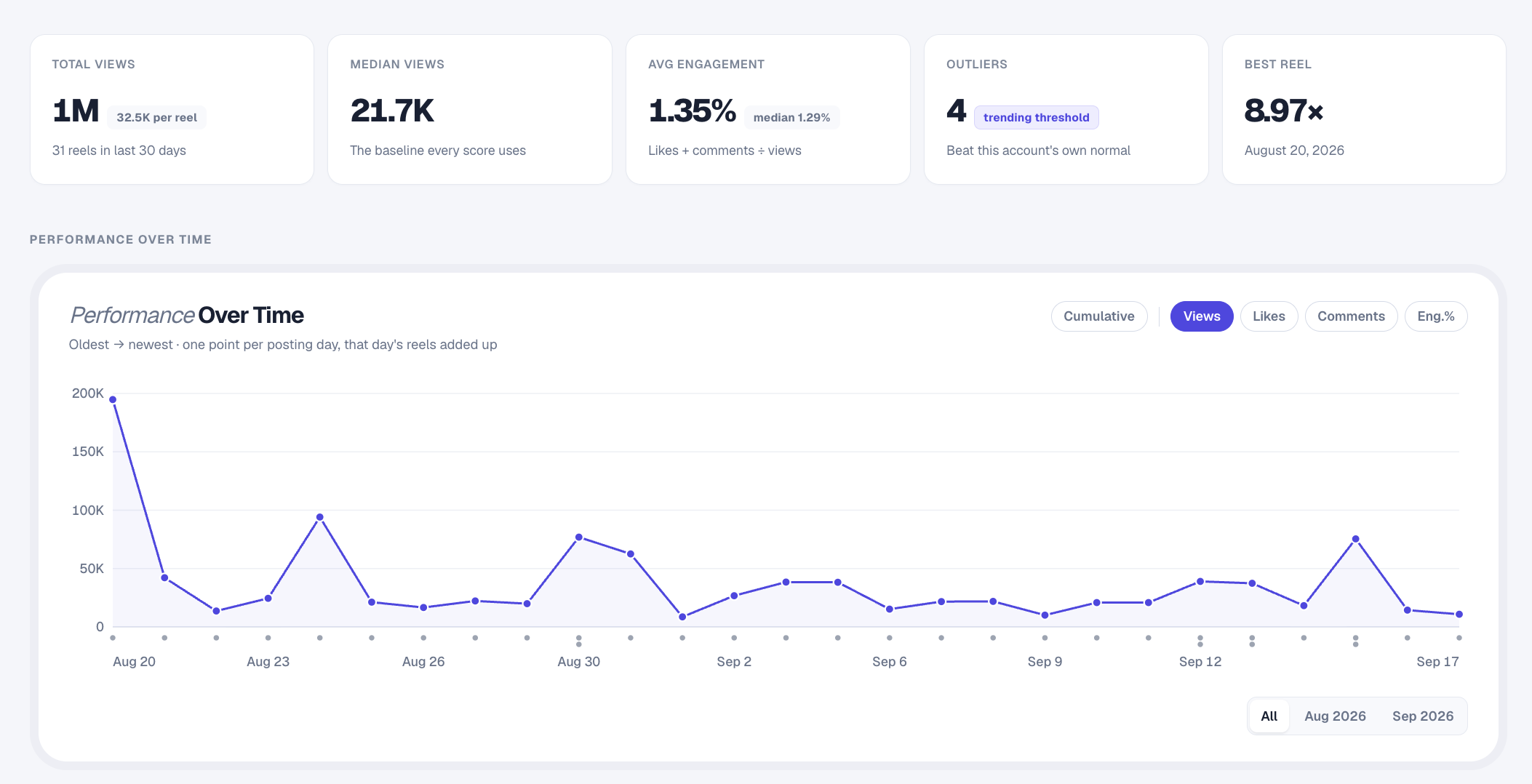
Questions about this rate
Which engagement-rate method should I use?
Use by views to compare interactions with a post’s total views. Use by followers to normalize interactions against account size. Always label your method and keep it consistent.
Can I leave shares and saves blank?
Yes. Blank optional fields count as zero. The percentage represents only the metrics you entered, not interactions you cannot see.
Is this the same engagement formula Statly uses?
Not necessarily. This tool includes the likes, comments, shares and saves you enter. Statly calculates its analytics from the public metrics available for tracked content. Check the included metrics before comparing rates.
Does choosing a platform fetch account data?
No. You enter every number yourself. The platform selector changes labels and examples only; it does not connect to a platform or look up an account.
Are these calculators free?
Yes. No signup is required. Calculations happen in your browser, without AI or an external data API.
What is a good rate?
There is no universal threshold here. Compare posts with the same formula, time window and included metrics, and consider the account’s own usual performance.